On your project properties dialog, you will see a "Modules" tab. This lets you select which kinds of module violations you wish to be detected. For example you can define module APIs and have them checked, but not require the module-to-module control (yet).
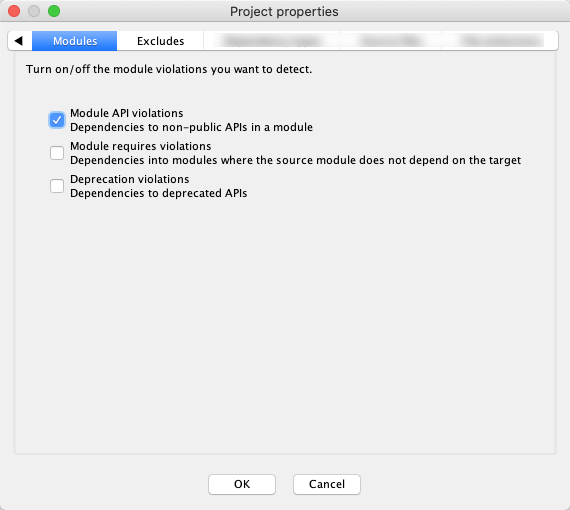
If "Module API violations" is enabled, then module A can only use the subset of code that is in a "public" region of module B. (Containers can be defined as public using actions on the module sub-menu of the LSM context menu).
Setting "Module requires violations" means that module A can only use any code in module B if there is a direct dependency from the module A node in the LSM onto the module B node. (To add a "requires" dependency, select both module A and module B in the LSM, right-click, add/dependency from A to B).
Setting "Deprecation violations" will cause every dependency onto a deprecated item to be considered a violation. Note that this is in fact independent of the enclosing modules. (The "deprecated" attribute